Does a WhatsApp screenshot count as an expense document? When it helps, when it breaks the books — plain and clear.
23:47. Your supplier drops a frame on WhatsApp: “Here’s the invoice.” You forward it to your accountant. In the morning: “That’s a screenshot, not a document.” The short drama ends; the long argument begins. This piece calms that argument: when a screenshot helps, when it breaks the books, and where the real file must live.
In Ankara e-commerce, courier and small-office files, the scene repeats every week. The aim is not to scold people; it is to build a document flow that survives a review. General information only; for your file follow the e-document guide and current GİB rules.
Short answer
No — a screenshot alone is not an invoice. An invoice is the e-Invoice, e-Archive or paper document itself (or the original PDF / XML from the system). A screenshot is usually a “reminder” or a chat record. To book an expense, reclaim VAT or defend a review, you need the real document.
Good news: WhatsApp is not banned. Bad news: the frame is not enough. A good setup uses the frame as a bridge and puts the PDF in the folder.
Why the frame is not enough
Because a review or reconciliation asks “what is this amount for?” On a screenshot the date may be cropped, the UUID unreadable, the VAT line blurred, the supplier tax ID half-cut. Enlarging the same frame next month still will not give you the XML control fields.
In the e-document world the real trail is the document in the GİB system and the PDF/XML in your archive. Saying “it was on the panel” is as weak as skipping the payout PDF in e-commerce accounting. Follow notices from the Revenue Administration (GİB).
There is also a quality issue. Three faces of the same document: a sharp PDF, a mildly blurry screen, a fully cropped frame. All three “look like an invoice”; only one sits comfortably in the file. Most accounting arguments are readability fights, not law lectures — are the date, amount, tax ID and document number clear?
| What arrives | What it is good for | Enough alone? |
|---|---|---|
| WhatsApp screenshot | Fast news, follow-up note | No |
| Blurry photo | Sometimes an urgent reminder | No |
| e-Archive / e-Invoice PDF | Readable archive copy | Usually yes in practice* |
| XML + PDF | Technical check + archive | Strongest |
| Only a typed amount | Chat | Never |
*Whether the document fits your expense/VAT period is a separate check.
When does a frame “help”?
Temporarily: the document is on the way, month-end is close, you tell the accountant “this amount is coming.” Permanently: never as the only support. A good office habit is simple — paste the frame in the chat, drop the original PDF in the folder the same day or next business day. The frame can go; the PDF stays.
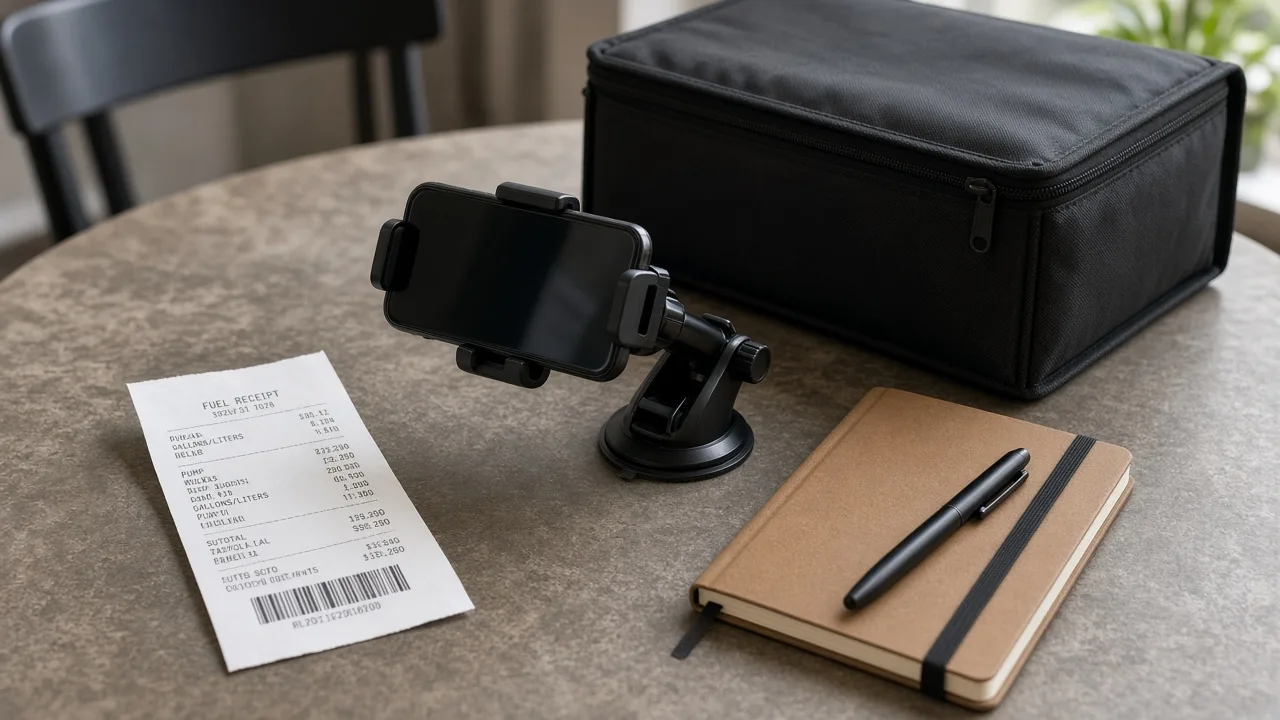
Couriers and field work love photos. Fuel, repairs, market slips… If the slip itself is readable, a photo can help the archive; cropped, reflective, inconsistent dates still tire the books. Build expense discipline with courier accounting.
What eats the most time in a document crisis
Not a measurement; time-loss order seen in Ankara office files.
The right flow: three steps
Step one — ask for the source. “Not the screen, the PDF / portal link.” The seller downloads from GİB or their e-document panel. Step two — name the file. `2026-03-uuid-short.pdf` beats `IMG_9912.jpg`. Step three — month folders. March expenses in March; not an endless chat called “WhatsApp Docs.”
If you sell on marketplaces, commission and service invoices follow the same discipline. A panel screenshot is not enough for marketplace withholding or commission booking; you need the payout and invoice PDFs.
Returns change the document type; a return invoice / correction is separate. “It was returned, I flipped the old frame” is not accounting. Detail sits in Return Came, Withholding Stayed.
A shared practice: a template line to the seller. “Hi — could you share the e-Archive / e-Invoice PDF (XML if possible)? A screenshot is not enough for our file.” Polite, clear, repeatable. Odd in week one; normal by week three.
Funny (and expensive) mistakes
First: a flash photo of a dark restaurant slip — amount readable, date not. Second: only typing the VAT-inclusive total — “1500 was cut.” Third: pasting last year’s screenshot into this month. Fourth: dropping a sales invoice you issued into your own expense folder. Fifth: “It was in the mail, can’t find it, here’s the frame.”
The common thread is speed. Speed is good; the permanent archive sits on top of speed. At month-end, zooming 40 frames costs more than opening 40 PDFs.
Another quiet error: forwarding a cropped bank notification and calling it “the invoice.” A transfer notice is not a tax document. Keep the payment trail next to the invoice — do not replace one with the other.
A week’s story (not exaggerated)
Monday: the supplier says “sent.” Tuesday: your accountant writes “no PDF.” Wednesday: the seller says “check the panel.” Thursday: you open the panel and the password is gone. Friday: month-end nears and the same frame is zoomed again. It looks funny until it stacks in the file.
The break point is clear: ask for the PDF in the first message. “Send the screen and the PDF.” Two extra seconds; cheaper than a week of chasing. Once small Ankara teams lock the habit, the chat stops being a document war and becomes folder order.
A sentence we hear often: “But I sent it.” Sending is not archiving. Sending ends the chat; archiving carries the file. You need both, in that order.
Month-end mini checklist
Two days before close, ask three questions: (1) How many PDFs are in this month’s expense folder? (2) How many are screen-only / photo-only? (3) Have the missing ones been requested from suppliers? If three is “no,” mark the amount pending — finish the document before forcing the booking.
Blurry frames hurt most in VAT periods. “It was on WhatsApp” does not strengthen the file when support is asked. Keep readable e-documents or original slips; quarantine the doubtful ones.
Do not dump the digital archive into a “we’ll look later” folder. Month name + short label is enough: 2026-03-fuel, 2026-03-office. Dull names; lifesavers in a review.
How to send it to your accountant
One message: period + what the expense is for + PDF. “Please book this” is enough; no novel required. If something is missing, “PDF needed” is technical, not personal. If you visit the office, a readable printout or USB works; the pin is on our Google Maps listing.
New taxpayers can cut first-month chaos by pairing this habit with the first month as a new taxpayer guide. For ongoing work, accounting clarifies the document flow for you.
One line to keep: a screenshot is not an invoice; it is a sign that chases the invoice. Keeping the sign and forgetting the document is walking into a review with “I sent it on WhatsApp.”
Frequently asked questions
Does a PDF that arrives on WhatsApp count?
If it is a readable, complete original e-document PDF for your period, it is used as an archive copy in practice. A screenshot and a PDF are not the same thing.
I only have a photo, no PDF?
Ask the supplier or the portal for PDF/XML. Without it, booking that expense stays risky; mark the file “missing document.”
It’s already in the e-Invoice system — why ask for a PDF?
Because month-end and your folder order should not depend on a live screen. A downloaded copy shortens the argument.
Do market slips need PDFs too?
It depends on the slip type. Follow the readable original / e-document rule; a blurry frame should not be the only support.
My accountant keeps saying “not a document” — overreacting?
No. When a review asks for support, a frame is not enough. That is file protection, not stubbornness.
Do you build the folder together at the office?
Yes. In Kızılay or remotely; book via contact, pin via the map.
Final word
Is a screenshot an invoice? No. Used well, it speeds the job: it announces, calls the PDF, opens the folder. Used badly, you spend month-end inside forty blurry frames.
As Ankara Muhasebeci, from our Kızılay office, we keep the flow simple: WhatsApp is fine, the archive is serious. For a setup that fits your file, write for accounting or an introductory meeting.
Ask our advisor for an assessment tailored to your situation.